Karaoke night at home
Spin the wheel, grab the mic.
SpinMic turns your TV into a karaoke stage. Friends join on their phones, spin a wheel for a decade or genre, pick a song, and the TV plays everyone in turn.
Got a party code?
Free. No app to install.
How it works.
Step 1
Put the Stage on your TV
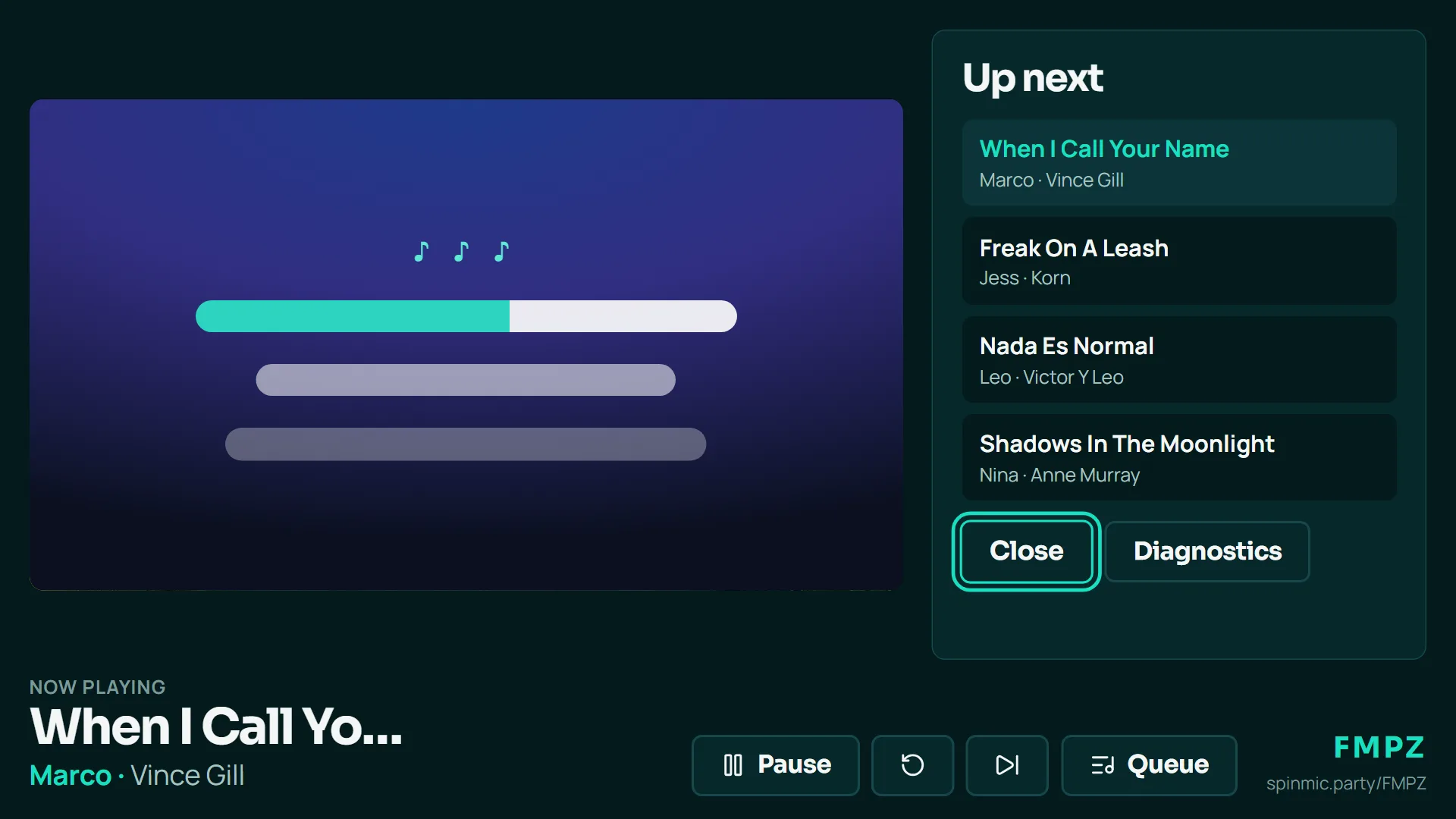
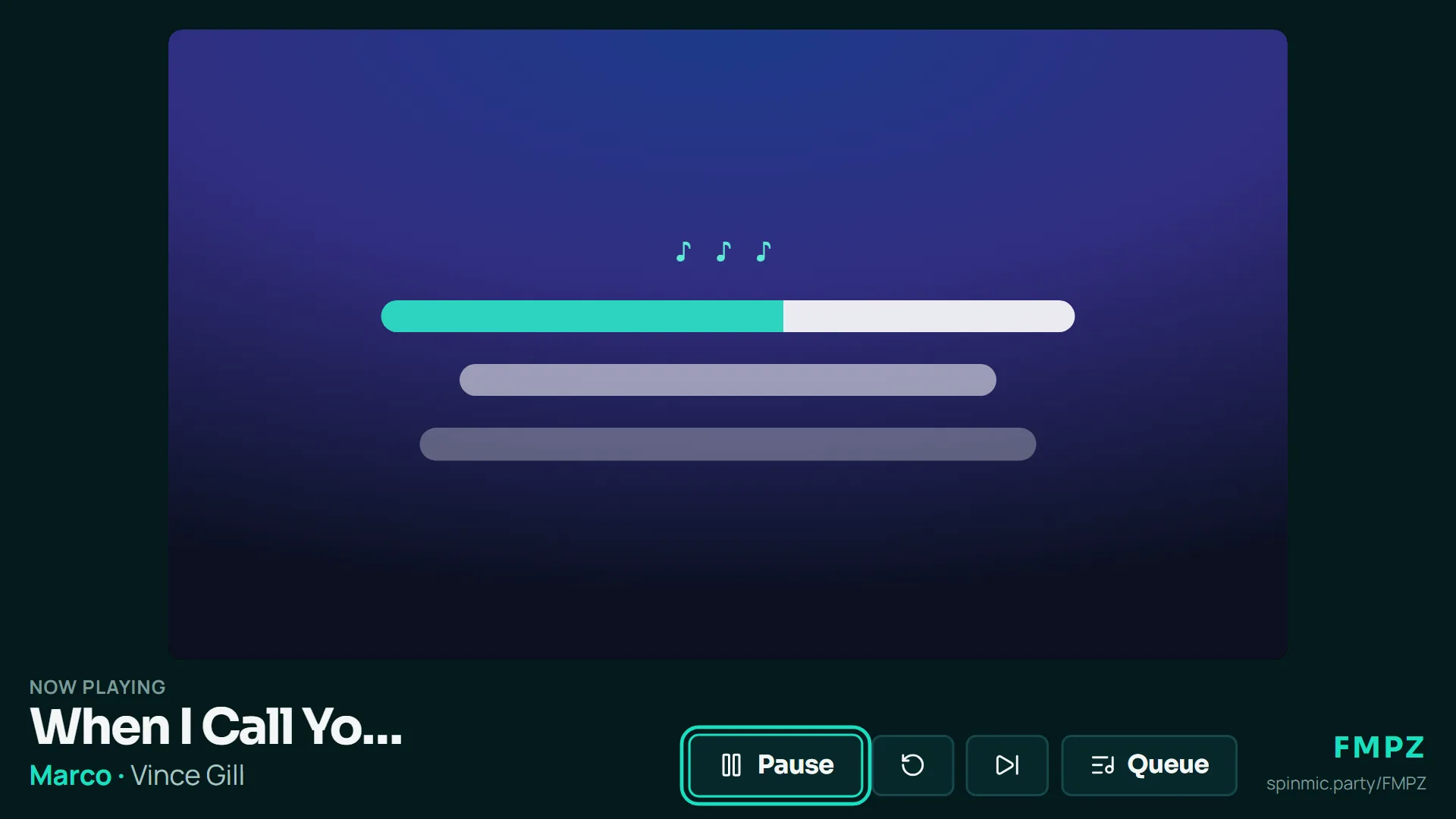
Open the party on the TV’s web browser: a Fire TV Stick, a smart TV or a laptop plugged in with HDMI. The TV plays the karaoke videos and shows who’s singing.
Step 2
Friends join on their phones
They scan the QR code on the TV or type the party code, then tap their name. No app and no sign-up.
Step 3
Spin, pick, sing
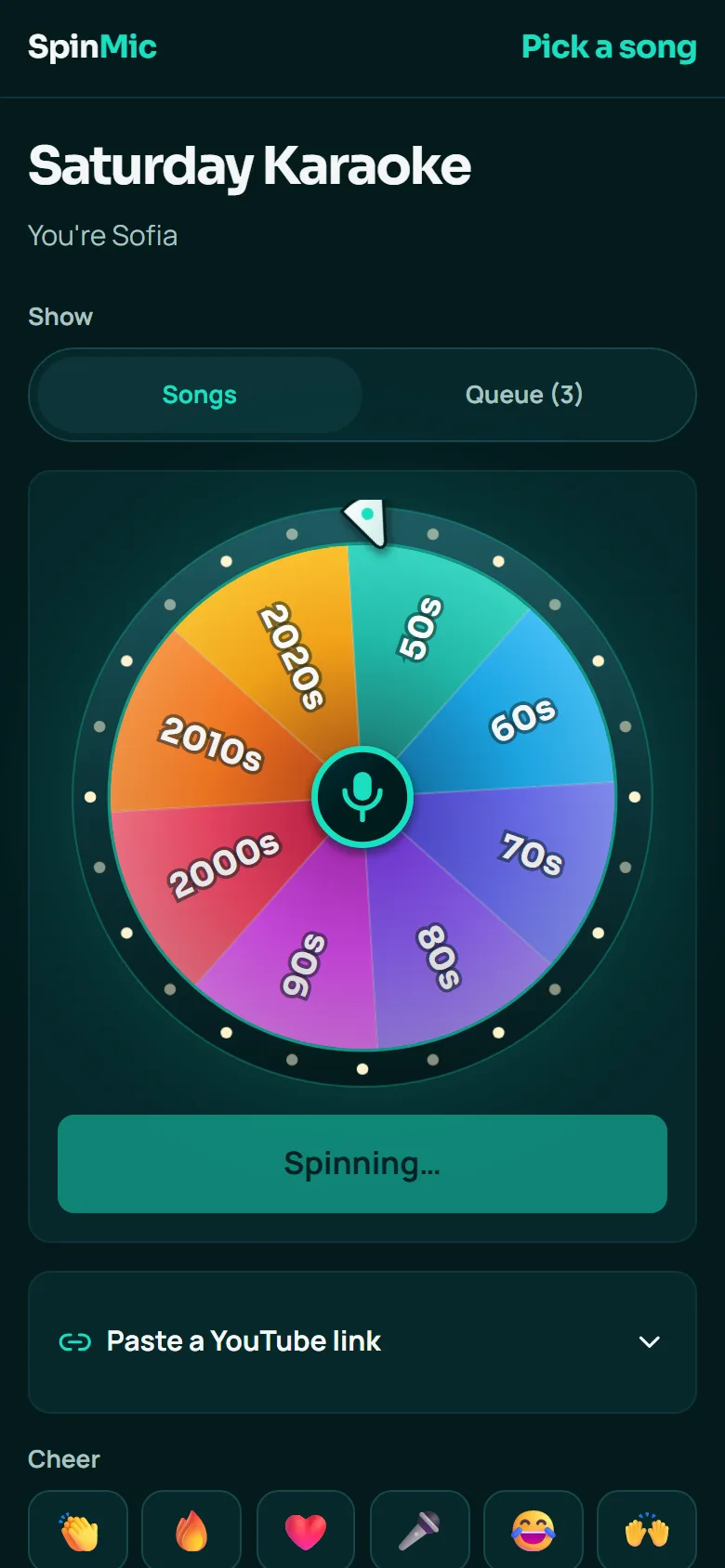
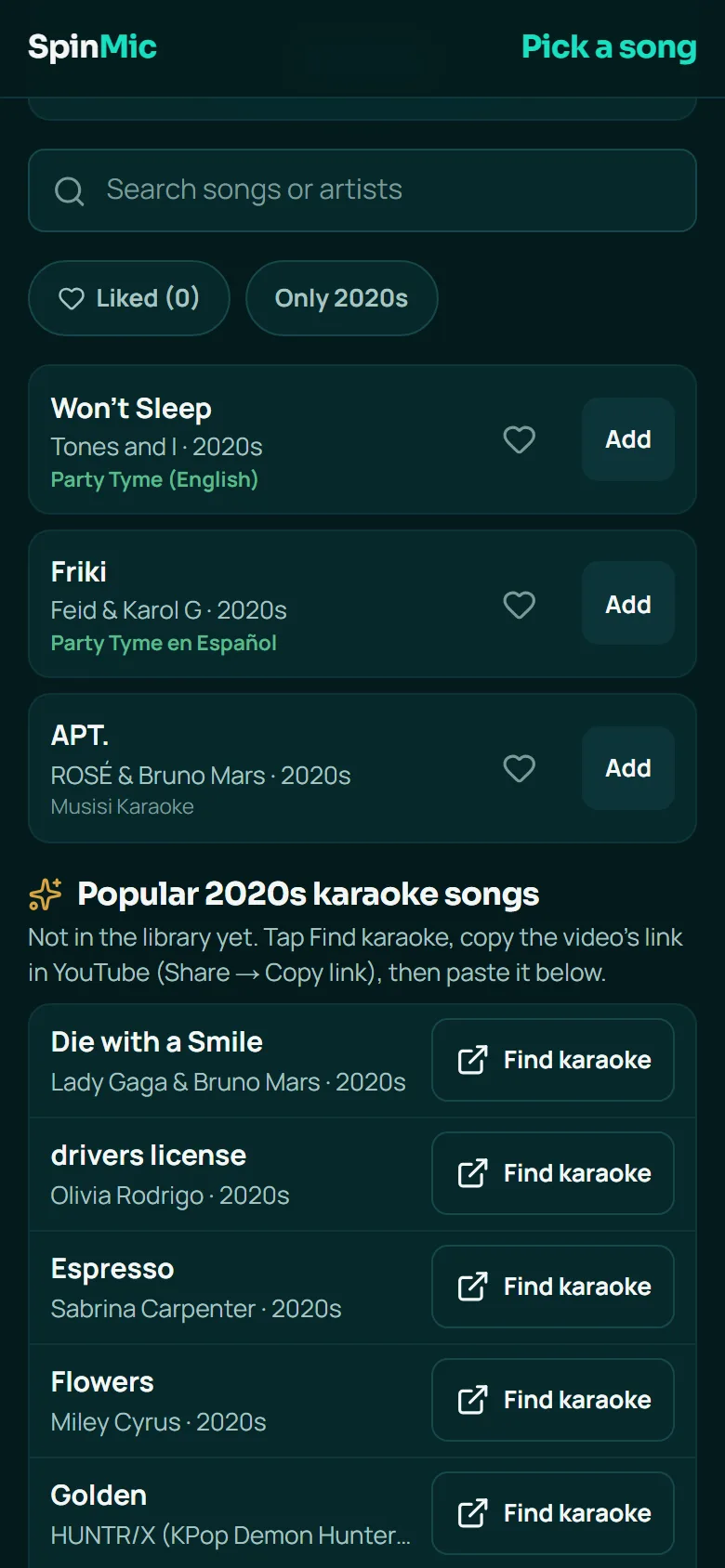
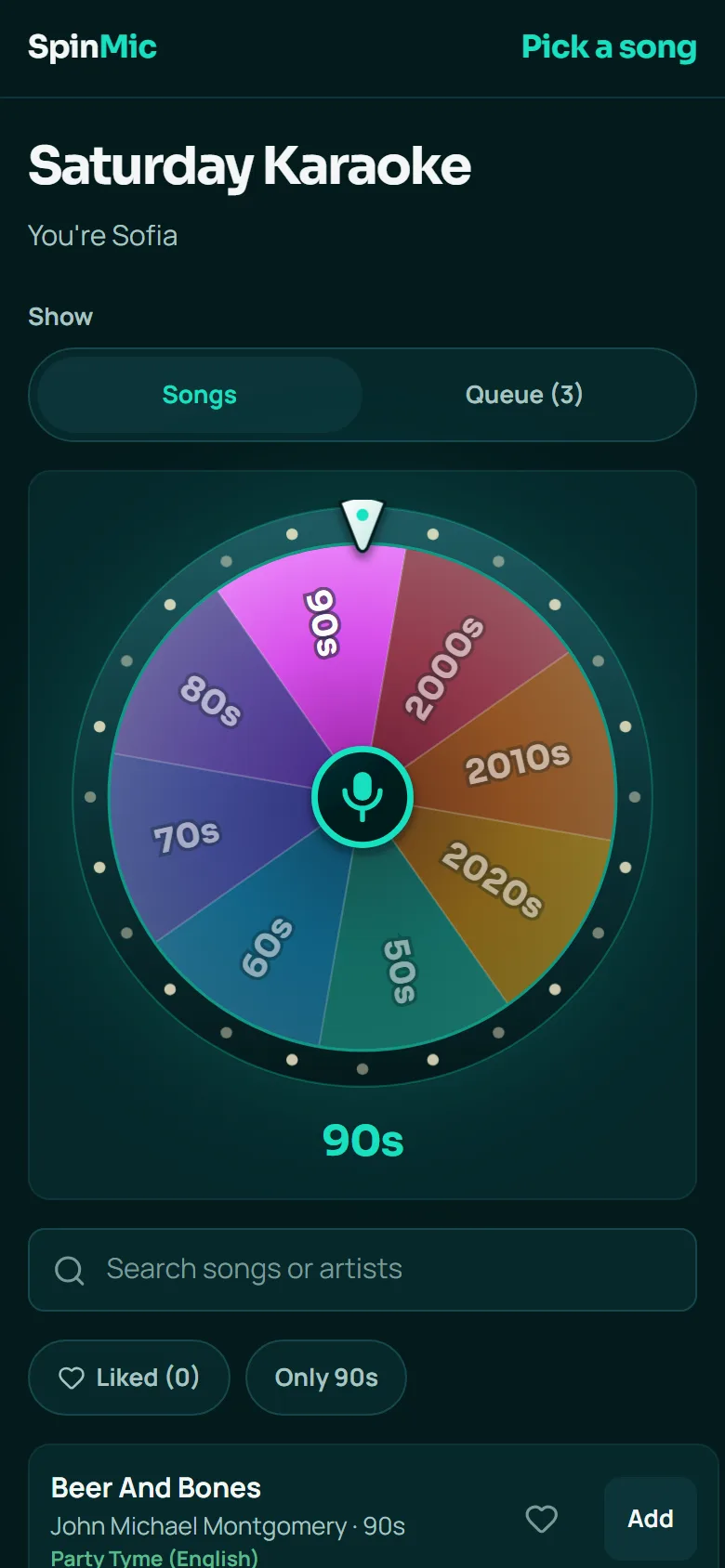
Each singer spins the wheel for a decade or a genre, then picks a karaoke video that fits, or pastes one from YouTube. The queue takes turns, so everyone gets to sing.
You run the show.
As the host, your phone is the remote control for the whole party.
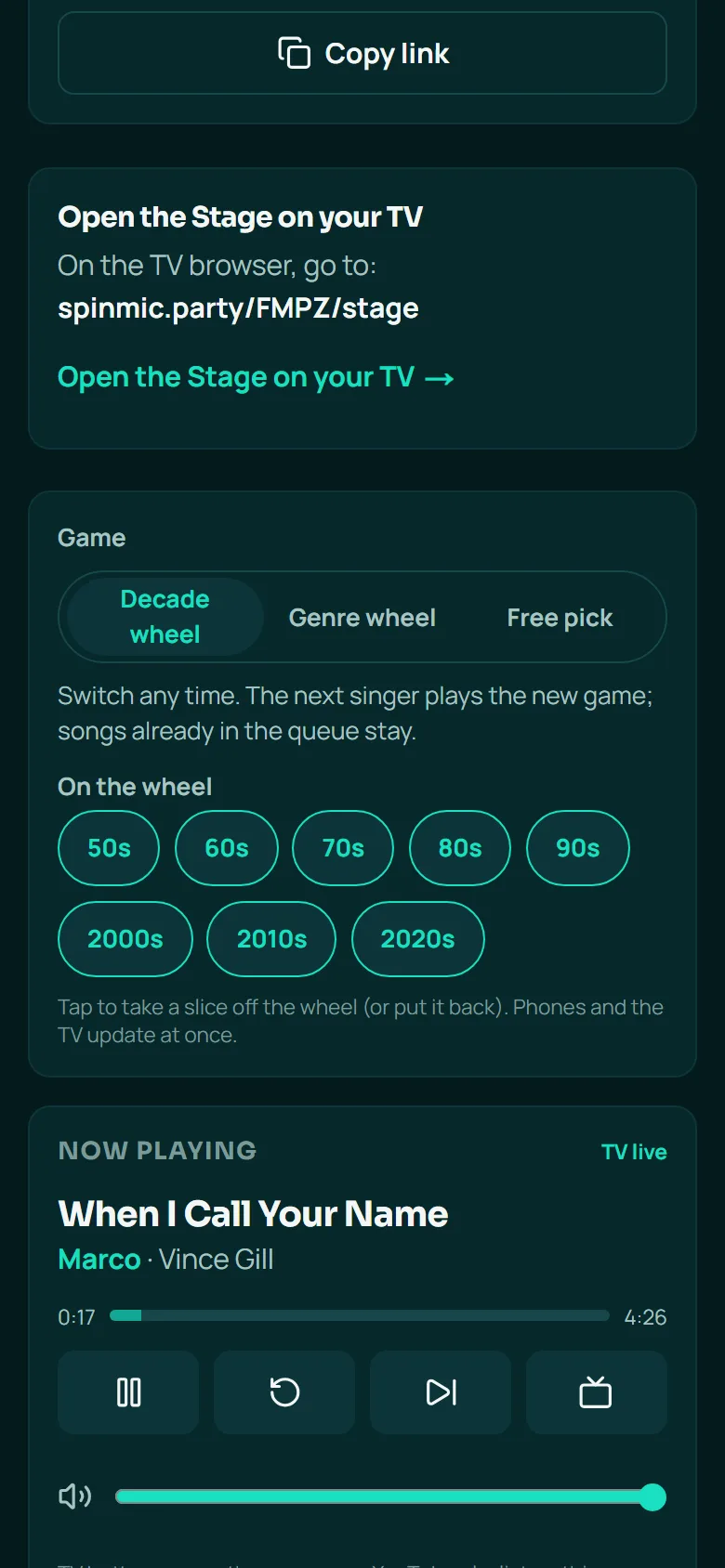
- Switch games any time. Decade wheel, genre wheel or free pick.
- Shape the wheel. Take off the slices your crowd doesn’t know.
- Run the queue. Reorder, skip or pause the TV from your phone.
- Remember your regulars. See what everyone has sung at past parties.
Made for the living room.
Party games
Hot seat, sing-off battles and karaoke bingo.
Wild cards
Duets, another language, or a song you’ve never sung here.
Likes
Heart songs while you browse and find them again next time.
Song ideas
Hundreds of karaoke favourites to find when nobody can decide.
Any TV with a browser
Fire TV, smart TVs and laptops. The remote’s arrows and OK do everything.
English and Español
Every screen in both languages.